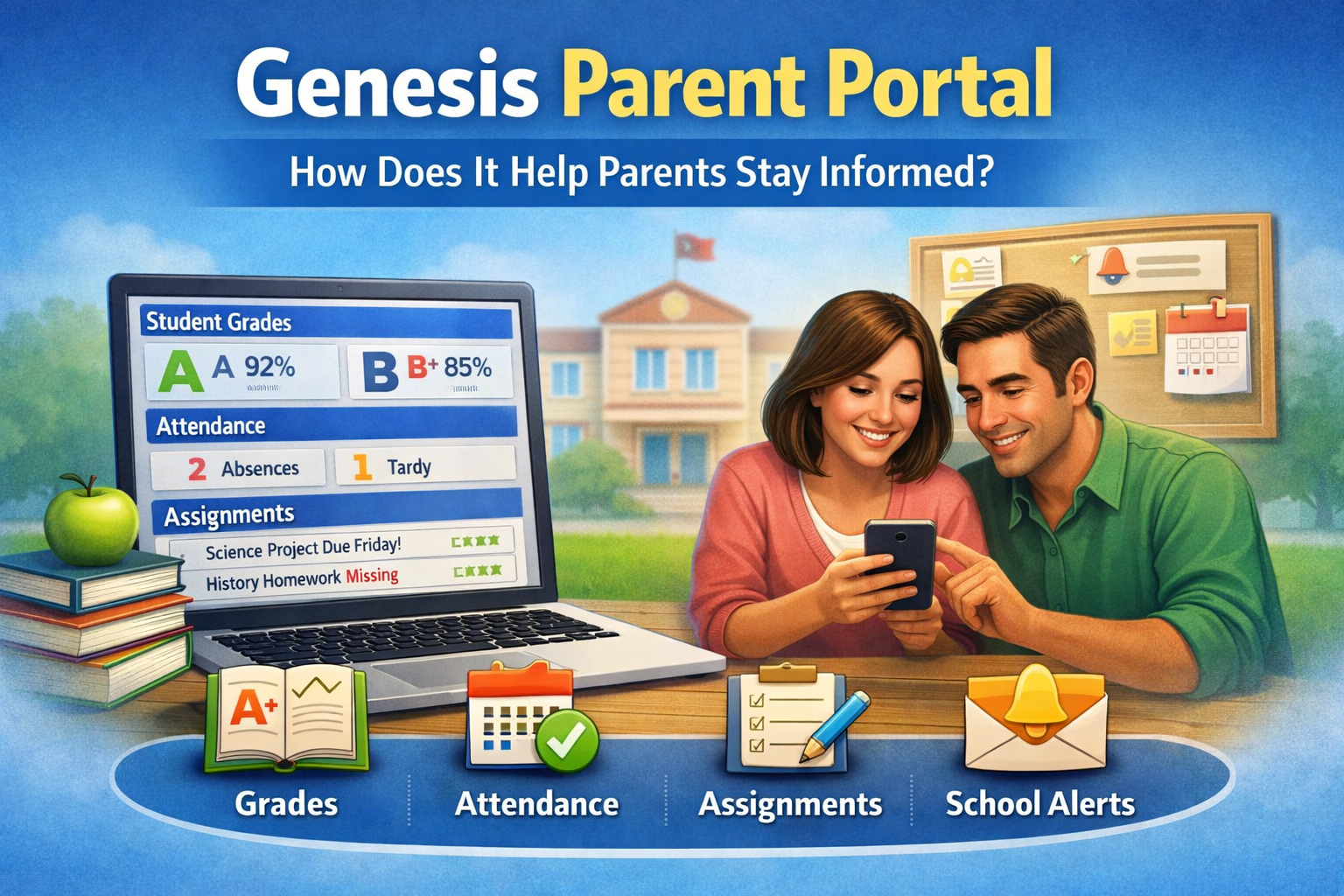
Staying updated on a child’s school life matters to every parent. Grades, attendance, homework, and school messages all play an important role. This is where the genesis parent portal helps. It gives parents one place to see important school information anytime, from any device.
Many schools across the United States use the Genesis system to improve communication between schools and families. Instead of waiting for report cards or emails, parents can check real-time updates with just a few clicks.
This guide explains what the genesis parent portal is, how it works, and how it helps parents stay informed and involved in their child’s education.
What Is the Genesis Parent Portal?
The genesis parent portal is an online system that allows parents and guardians to view their child’s school records. It is part of the Genesis Student Information System developed by Genesis Educational Services.
Schools use this portal to share academic and school-related data securely with families. Each parent receives a login to access only their child’s information.
The portal is web-based, so it works on:
-
Computers
-
Tablets
-
Smartphones
No special software is required.
What Information Can Parents See in the Genesis Parent Portal?
The portal provides detailed and up-to-date school information. Features may vary slightly by school district, but most portals include the following.
Grades and Academic Progress
Parents can view:
-
Current class grades
-
Assignment scores
-
Teacher comments
-
Marking period averages
This helps parents understand how their child is performing before report cards are released.
Attendance Records
Attendance data is updated daily. Parents can check:
-
Present and absent days
-
Late arrivals
-
Early dismissals
-
Excused and unexcused absences
This makes it easier to spot attendance issues early.
Class Schedules
The portal shows:
-
Daily class schedules
-
Teacher names
-
Room numbers
-
Course titles
This is helpful when students change classes or start a new school year.
Assignments and Homework
Many schools use the portal to display:
-
Homework assignments
-
Due dates
-
Missing work notices
Parents can remind their children about upcoming deadlines.
Report Cards and Progress Reports
Digital access to:
-
Report cards
-
Interim progress reports
-
Academic history
Everything stays stored in one place for easy reference.
School Messages and Alerts
Schools often send:
-
Announcements
-
Emergency alerts
-
Event reminders
-
School notices
Parents receive important updates without relying on paper notices.
How Does the Genesis Parent Portal Help Parents Stay Informed?
The genesis parent portal improves parent involvement in several key ways.
Real-Time Updates
Information updates quickly. Parents do not need to wait for teacher meetings or report cards to know how their child is doing.
Better Communication
Parents stay connected with:
-
Teachers
-
School administrators
-
Counselors
This reduces misunderstandings and missed information.
Early Problem Detection
Low grades or repeated absences become visible early. Parents can take action before small issues become bigger problems.
Increased Student Accountability
When students know parents can see grades and attendance, they often:
-
Complete assignments on time
-
Attend classes regularly
-
Take school more seriously
Convenience for Busy Parents
Parents can check updates:
-
At home
-
At work
-
On the go
No need to call the school or wait for meetings.
How to Access the Genesis Parent Portal
Access steps are simple and secure.
Step-by-Step Access
-
Visit your school district’s Genesis Parent Portal page
-
Enter your username and password
-
Select your child’s profile
-
View grades, attendance, and messages
If you do not have login details, contact your child’s school office.
Mobile Access
Many districts offer:
-
Mobile-friendly websites
-
Genesis mobile apps
This makes checking updates fast and easy from a phone.
Is the Genesis Parent Portal Safe to Use?
Yes. The system uses secure login credentials and encrypted data. Parents can only access information linked to their account.
Security features include:
-
Password protection
-
Role-based access
-
School-managed permissions
Schools follow privacy rules to protect student data.
Common Problems Parents Face (and Simple Solutions)
Forgot Password
-
Use the “Forgot Password” option
-
Contact the school if reset emails do not arrive
Cannot See Grades
-
Some teachers update grades weekly
-
Check marking period settings
-
Contact the teacher for clarification
Login Not Working
-
Double-check username and password
-
Make sure caps lock is off
-
Try a different browser or device
Tips for Using the Genesis Parent Portal Effectively
-
Check the portal at least once a week
-
Review attendance regularly
-
Talk with your child about grades shown
-
Use messages and alerts to stay updated
-
Contact teachers early if concerns appear
Using the portal consistently brings the best results.
Who Should Use the Genesis Parent Portal?
The portal is helpful for:
-
Parents
-
Guardians
-
Caregivers
-
Home school supervisors (in some districts)
Anyone responsible for a student’s education can benefit.
Conclusion
The genesis parent portal is a powerful tool that helps parents stay informed, involved, and connected. It provides real-time access to grades, attendance, schedules, and school messages in one secure place.
By using the portal regularly, parents can support their child’s education, spot problems early, and communicate better with schools. It saves time, improves transparency, and strengthens the connection between home and school.